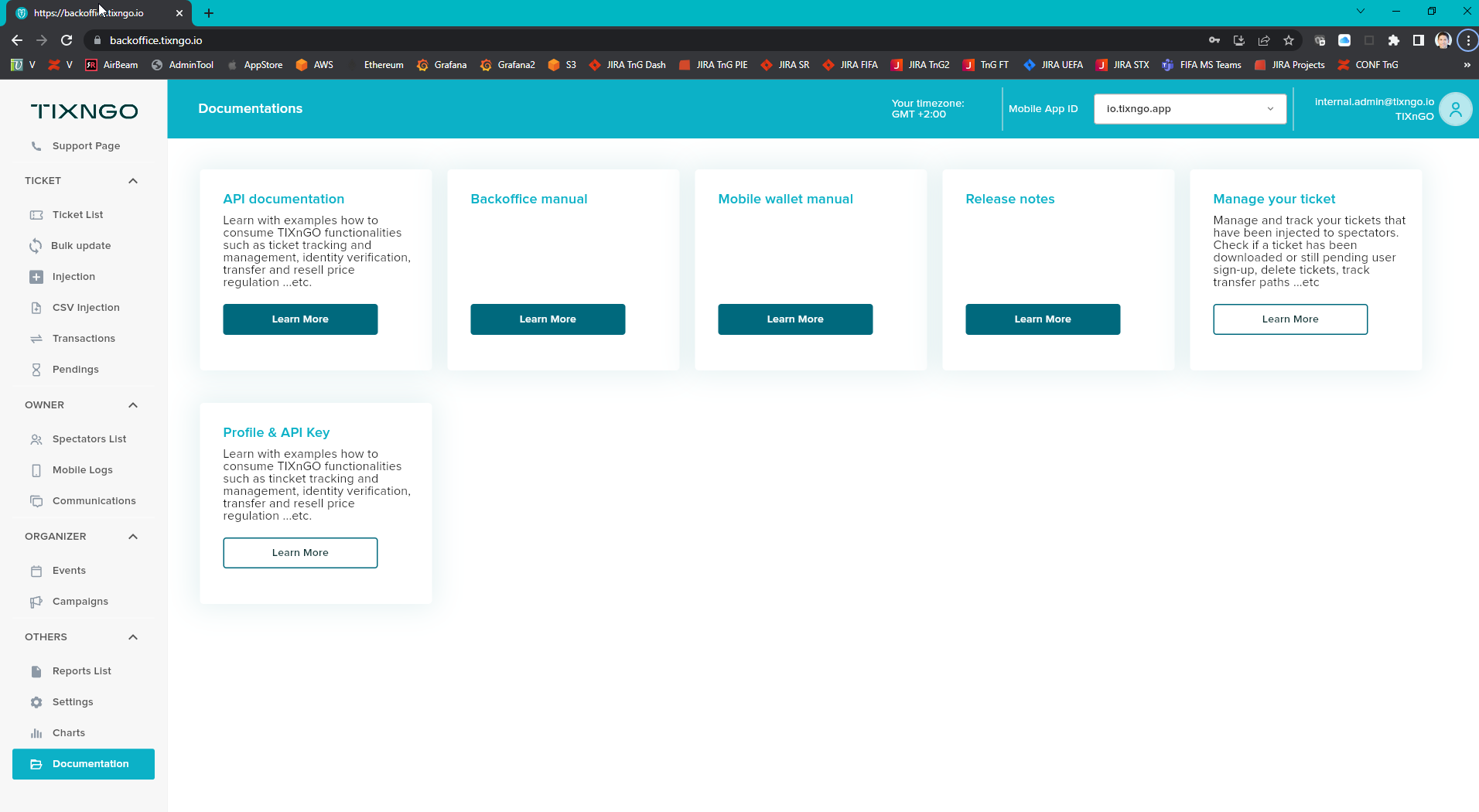
|
|---|
New Backoffice AdminTool 2.0 console What are we solving for? Major improvements of the UI/UX and the Flutter-base technical foundation of the brand new TIXNGO AdminTool 2.0 back office console. The new AdminTool 2.0 has no regression compared to the legacy AdminTool 1.0. The AdminTool 2.0 has new features listed in this product release notes page (c.f. all development of Weisshorn V2 have been exclusively be done in the AdminTool 2.0, not the AdminTool 1.0).
Manual URL
|
Multi-tenancy for spectator identity management per App ID https://jira.secutix.com/browse/TIX2-979 [Multi-Tenancy] For each App ID, I have a different Authentification Service (Cognito). What are we solving for? Split every App ID in different Cognito pools. One single spectator identity per App ID, and no longer one TIXNGO spectator identity cross all App IDs. Mobile account deletion is now only per AppID and not anymore cross all organizers (c.f. Mobile account deletion below on S2).
|
Ticket assignment mandatory/optional fields https://jira.secutix.com/browse/TIX2-574 As a TIXNGO Console User, I can define those fields as being either mandatory or optional. AdminTool / Settings / Application Features / Ticket Holder Personal Information Mandatory parameter to allow organizer to define if all the additional assignment fields (Date of birth, Email, Phone number and Address) are mandatory YES/NO, if no they are optional. The First and Last names always remain mandatory.
|
SDK - Promos on event List and main drawer (burger menu) https://jira.secutix.com/browse/TIX2-574 As a TIXNGO operator I want push notifications to be send in batches with the delay Organizer can show/hide promos on Event List & Burger Menu by configuration on AdminTool with their own content (2 available promo banners on Event List and 2 available items on Drawer menu) Users can see the corresponding images, title, description and URL that are being configured on the Admin tool. The position of promo banners 1 & 2 on Event List can be defined as top, bottom and after first with the respective display on mobile app.
|
Push notification in batches https://jira.secutix.com/browse/TIX2-892 As a TIXNGO operator I want push notifications to be send in batches with the delay New organizer setting keys: TIXNGO organizer triggers a notification for all spectators of the match (or any other criteria) and notifications are sent in batches with a delay Batch size (in the number of spectators) and delay time (in minutes) are configurable (without new deployment) - on the notification campaign page Default values (pre-filled):
|
Screenshot and screen recording protection https://jira.secutix.com/browse/TIX2-2 Screenshot and screen recording protection. |
Mobile sync-app-build-versions-env display https://jira.secutix.com/browse/TIX2-43 Mobile app: display last synchronization time in the app + As a wallet user, I can see in the menu the TIXNGO app/built versions/environment, Phone model and OS version. |
Match day overview per event XLS report https://jira.secutix.com/browse/TIX2-375 TIXNGO backoffice: As an organizer I want to see match day overview per event Because performance issue, we need to limit the number of selected events, If more than 8 matches are selected, display an error message ”In order to provide a quick result, please select maximum 8 events” The report is in the report section Title: "Event(s) overview report“ Filter by match (event) with checkboxes in the dropdown list The report is available in XLS format
Total - > Historical info. All tickets ever injected for this match Injected -> current status Downloaded -> current status (Note: transferre are not a part of it ! ) Download rate -> (downloaded + transferred + transfer pending + assigned)/injected (%) Transferred -> current status Transfer pending -> current status Assigned -> current status Activated -> historical info. All tickets ever activated for this match (split by ticket activation: manual/beacon/online/offline) Controlled -> historical info. All tickets ever controlled for this match
Change request: The listed-out name should be the event group name, not the event name. Change the title to "Group event(s) overview report“.
|
Design Phase 1 (i.e. ticket layout) – Colored area around the QR-Code https://jira.secutix.com/browse/TIX2-940 As a ticket holder, in case colored bars are displayed on the ticket, the area around the QR-Code is colored the same way than the bars. As a ticket holder, in case color bars are displayed on the ticket, the area around the QR-Code is colored the same way than the bars. If no color bars, the area around the QR-Code remains white. New hidden key: "specialColor" Cover the change of colored bars (Top bar) using the new key.
|
Inject tickets with Purchase Time after Event Start Time https://jira.secutix.com/browse/TIX2-44 As an organizer, I can inject tickets with Purchase Time after Event Start Time. Current behavior If the ticket is related to a past event (start event date = 31/01/2022 22:00) but the purchase date is today (01/02/2022 16:00) -> Executing the interface today, Secutix tries to send the ticket but TIXNGO returns the error “Purchase Time must be before Event Start Time” If the ticket is related to a past event (start event date = 30/01/2022 22:00) but the purchase date is before the start event date (29/01/2022 16:00) -> Executing the interface today, Secutix sends the ticket to TIXNGO with no errors
Wished behavior Acceptance criteria As an organizer, I can inject tickets with Purchase Time after Event Start Time. TIXNGO is accepting the injection and is no longer returning the error “Purchase Time must be before Event Start Time”.
|
Design Phase 1 (i.e. ticket layout) – Seating details in the ticket main section https://jira.secutix.com/browse/TIX2-464 As a mobile app user I want to see seating details in the main section in different UI than other information. With the ticket template editor, you can define several fields related to NON seating (hereafter “Additional Details” e.g. Gate Opening, Kick Off, etc.) so you can apply specific UI on the mobile side. Seating details should be located at the beginning of the main section in colored boxes, while the rest of the info goes after them as text. If parameter set to 0, or not defined, we consider that we don't have Additional Details in this ticket Hidden parameter detail: key: ticketDetailMainNotInBoxes value: 0, 1, 2, 3, 4, 5, or 6, etc.
One for key: ticketDetailMain One for value (number of ticketDetails.main fields that they want to move out of boxes): 2
|
Add unchangeable fields for ticketing user https://jira.secutix.com/browse/TIX2-745 [SDK] Add unchangeable fields for Ticketing user. |
Simplify the validator phone on the backend https://jira.secutix.com/browse/TIX2-738 Simplify the validator phone on the backend |
Design Phase 1 (i.e. ticket layout) – List of the deleted tickets https://jira.secutix.com/browse/TIX2-259 As an SDK app user, I can see list of the deleted tickets There is a dedicated section in the mobile app burger menu, called "deleted tickets", which will list all deleted and cancelled tickets. Show the deleted and cancelled tickets The layout of the deleted/cancelled tickets will be implemented in https://jira.secutix.com [Design][Phase 1] As a wallet user, I'd like to see the same ticket layouts in my wallet
|
Force Upgrade feature https://jira.secutix.com/browse/TIX2-316 SDK Force Upgrade feature |
Design Phase 1 (i.e. ticket layout) – Fade out old tickets (past ticket/event) https://jira.secutix.com/browse/TIX2-334 SDK Fade out old tickets (past ticket/event) New button at the bottom of the l If there are no past matches, the button is hidden If there are past matches and no future matches, a special message and image is displayed (customizable in the app, cannot be changed dynamically) “Past matches” is determined as follows (to mitigate the risk of “wrong” past matches) Matches whose date (day) is in the past and kick-off time is at least 12 hours in the past, based on the local time of the phone E.g. match at 01.07.2020 21:00 will be “past” when the phone time is on or after 02.07.2020 09:00 E.g. match on 01.07.2020 10:00 will be “past” when the phone time is on or after 02.07.2020 00:00 (midnight) Past matches in the list of matches are in the list with a Past Match banner and the ticket is shown with 50% white overlay Past matches in the list of tickets are shown with a Past Match banner on the ticket and the ticket is shown with a 50% white overlay.
|
Design Phase 1 (i.e. ticket layout) – Same ticket layouts in my wallet https://jira.secutix.com/browse/TIX2-470 [Design][Phase 1] As a wallet user, I'd like to see the same ticket layouts in my wallet As a wallet user, I'd like to see the same ticket layout across my wallet. Covering all possible tickets in a wallet with a new design - transferred/deleted/pending/past Ticket layouts in a wallet that are not displayed in My tickets section have data like: status, ticket.image, event.name, event.site, event.Starttime, ticketDetails.main, purchaseDetails.price. Ticket layout has 50% opacity to indicate that tickets are not active except the one - ticket received. Also in Pending transfers and Pending Ticket Resale&Purchase the button has styling of primary buttons per new design. Figma link: https://www.figma.com/file/g657DKNttffvtSSmzJUrtK/%5BPhase-1%5D-Redesign?node-id=2068%3A61761
|
Design Phase 1 (i.e. ticket layout) – Non-transferrable or non-resalable tickets https://jira.secutix.com/browse/TIX2-201 [Design][Phase 1] As a wallet user, I’d like to see when a ticket is non-transferrable and non-resalable. For end-users, all possible actions are accessible from the ticket level (FAB, separate sections) so if they're not - they are hidden. In terms of the not possible transfer due to ticket category, some organizer's policy after activation - user needs to be aware. When a ticket is non-transferable or not-resalable or transfer and resale actions become inactive after ticket activation, the status is displayed. It has also info icon, when you tap - a notification is displayed. Rules for controlled tickets: If a ticket is controlled and have the rule AllowTransferAfterCrontrol = false, then the transfer button will not be displayed on the ticket. Ticket cannot be put on resale Figma link: https://www.figma.com/file/g657DKNttffvtSSmzJUrtK/%5BPhase-1%5D-Redesign?node-id=1181%3A38264
|
Design Phase 1 (i.e. ticket layout) – Controlled ticket https://jira.secutix.com/browse/TIX2-469 [Design][Phase 1] As a wallet user, I can see that my ticket was controlled. As a wallet user, I can see that my ticket was controlled. A controlled ticket should have a label and timestamp. A label for a controlled ticket is displayed on the top of the bottom part of the ticket - from edge to edge - text: ticket controlled and checked icon. The timestamp of the controlled ticket is displayed at the bottom of the whole ticket after the additional section. Figma link: https://www.figma.com/file/g657DKNttffvtSSmzJUrtK/%5BPhase-1%5D-Redesign?node-id=1979%3A63299
|
Design Phase 1 (i.e. ticket layout) – Ticket Price https://jira.secutix.com/browse/TIX2-420 [Design][Phase 1] As a ticket holder I'd like to see the price of my ticket. |
SDK – Return transferred ticket https://jira.secutix.com/browse/TIX2-262 As a SDK app user, I can return transferred ticket |
SDK – Push notifications https://jira.secutix.com/browse/TIX2-149 As a SDK app user, I can have push notifications. |
SDK – Transfer reminder https://jira.secutix.com/browse/TIX2-318 SDK – Transfer reminder If the feature is enabled, display a dialog message on the mobile application that appears at the given frequency Otherwise, nothing happens.
|
SDK – Max active sessions https://jira.secutix.com/browse/TIX2-320 SDK – Max active sessions As a mobile user I want to block my account when reaching the max session login. As a ticket holder, I can log in TIXNGO wallet on a new mobile device, but the wallet on previous wallet will be automatically logout. As an organizer, I want to enforce logout on active apps if login with a new device was detected.
|
SDK – Legal document https://jira.secutix.com/browse/TIX2-344 SDK – Flexibility to add more check-box & legal documents on my profile https://jira.secutix.com/browse/TIX2-328 SDK – Download of a Mobile Ticket is subject to Ticket holder to accept/ confirm General Terms and Conditions ("GTC"), Ticket Sales Regulations ("TSR") (if applicable for guests) and Stadium Code of Conduct ("SCC") as set by the organizer. https://jira.secutix.com/browse/TIX2-173 As a wallet user, I have the legal doc hyperlinks text and URL in the language of my app. |
SDK – Ticket Resale on SecuTix Ticket Shop https://jira.secutix.com/browse/TIX2-158 As a SDK app user, I can have the Ticket Resale on SecuTix Ticket Shop feature on my app. As a Ticket Owner, I want to: have an option to put my ticket on organizer's resale platform be able to see the list of my resale tickets be able to retrieve ticket from resale be informed when my ticket has been put on resale successfully
As a "main applicant" ticket holder, I will be able to resell the main applicant ticket, only after I resell all other tickets I purchased.
|
Mobile account deletion https://jira.secutix.com/browse/TIX2-18 As a wallet owner of one TIXNGO native/branded app, I can decide and request to permanently delete the accounts of all my TIXNGO secure mobile ticket wallets along with all my personal data and my mobile tickets. |